


3D Monks Animation Masterclass - Motion Design School
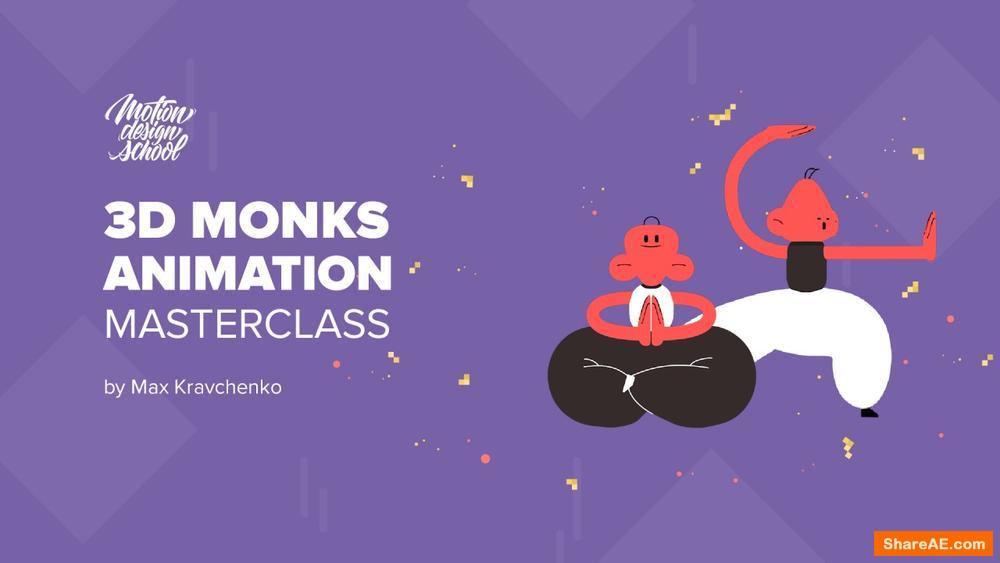
Free Download 3D Monks Animation Masterclass
In this masterclass, I’ll share with you my experience in creating 3D models, animation techniques in After Effects and C4D and frame-by-frame animation in Adobe Photoshop. Together will go through the full pipeline from the idea to the final result.
Student requirements:
Elementary knowledge of After Effects, Cinema 4D & Photoshop
Minimum software requirements:
Cinema 4D After Effects Photoshop AE Plugin: Particular С4D Plugin: Magic Solo
Masterclass lengths:
6 hours.
STEP 1
Animatic
Creating a concept of a movie, building character poses and creating an animatic. This is the most important stage. We will waste a lot of time on editing if we do everything at random.
STEP 2
Modeling in C4D
Creating 3D character models. This stage will take most of the project time, so stock up with coffee and cookies.
STEP 3
Animation in C4D
Animation of our characters. I’ll tell you the ways I’ve cheated in order not to waste my time on a full rig.
STEP 4
Materials and render
Setting up materials for characters and render. The materials are simple, so don't worry about the performance of your computer.
STEP 5
Multi-Pass Compositing
Importing sequences and compositing into Ae
STEP 6
Trails in Ps
Finalizing stylization in Photoshop. we will draw trails frame by frame
STEP 7
Animation in Ae
Animating the background elements and the logo using the Particular plugin. Enjoy the animation.

